Conversational Filtering
Conversational Filtering guides customers through product discovery by asking one question at a time. Each question narrows down the results based on the customer's preferences, like a helpful store assistant would. Learn more
Example "Bedding"
A customer visits the "Bedding" category page with hundreds of products. Instead of scrolling through filter panels, they see the question "What material do you prefer?" with chips like "Cotton", "Linen", and "Silk". After selecting "Cotton", the next question asks "What size do you need?" — quickly leading them to a small, relevant selection.
How to open Conversational Filtering
- Click Suggestions in the main navigation
- Click Conversational Filtering
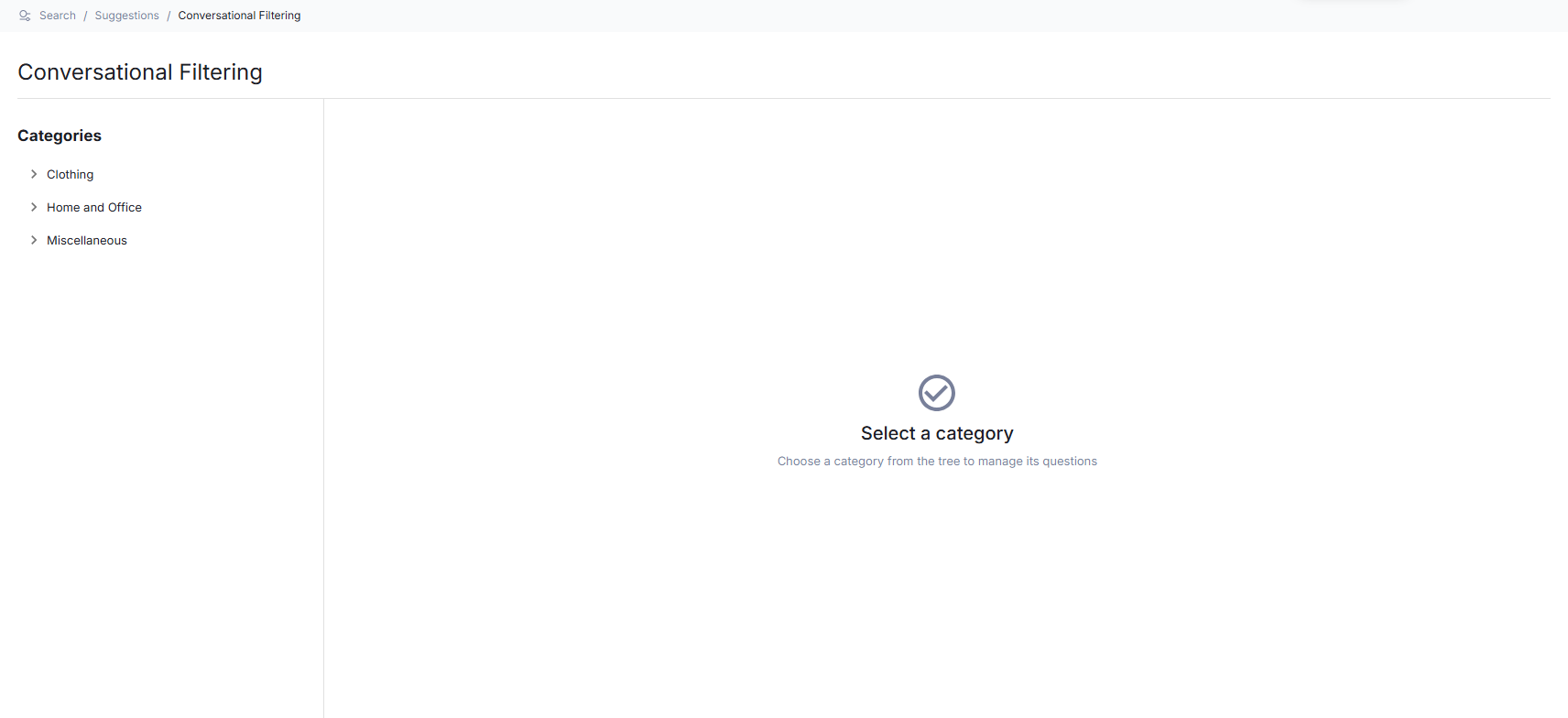
The page shows a category tree on the left. Select a category to manage its questions.
How to generate questions for a category
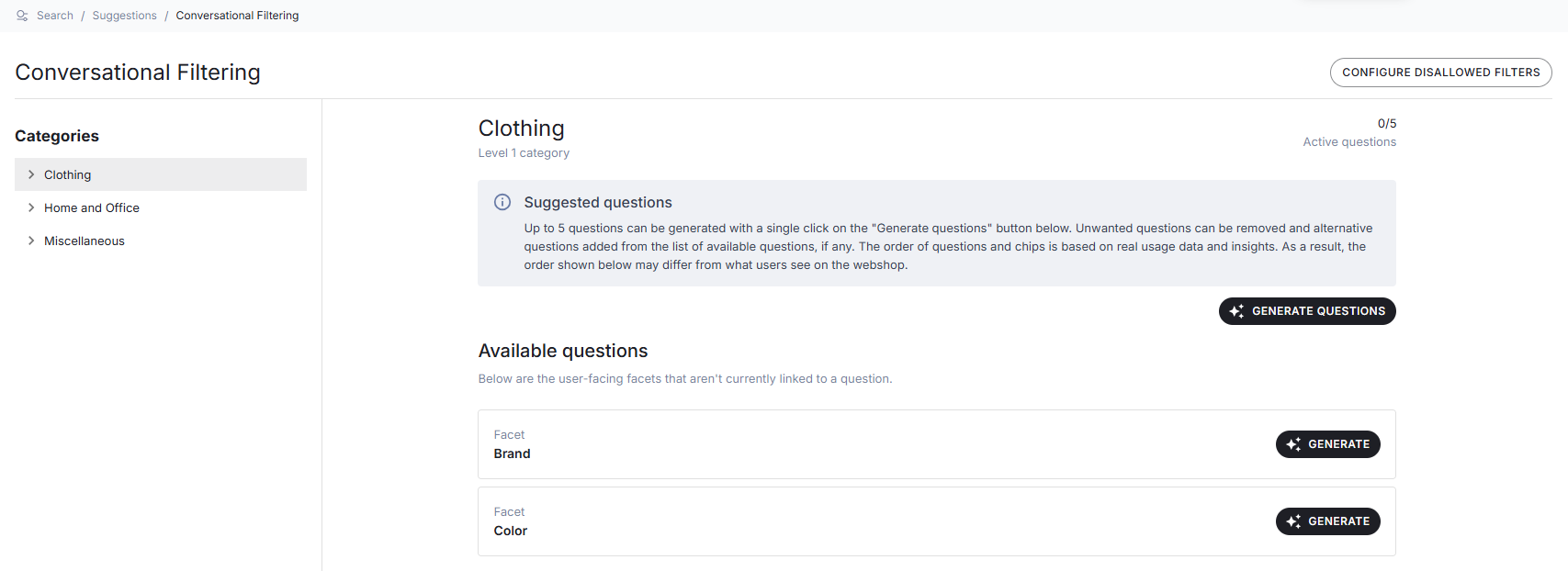
Questions are generated using AI based on facet popularity. You can generate all at once or one at a time.
- Select a category from the category tree
- Click the Generate questions button to generate questions for up to 5 eligible facets
- Wait for the generation to complete
To generate a question for a single facet, scroll to the Available questions section and click Generate next to the facet you want.
How to edit a question
- Click the edit icon next to the question text
- Change the text in the inline editor
- Save the changes
An icon will appear next to the question indicating it has been manually edited.
How to delete a question
- Click the delete icon (×) on the question card
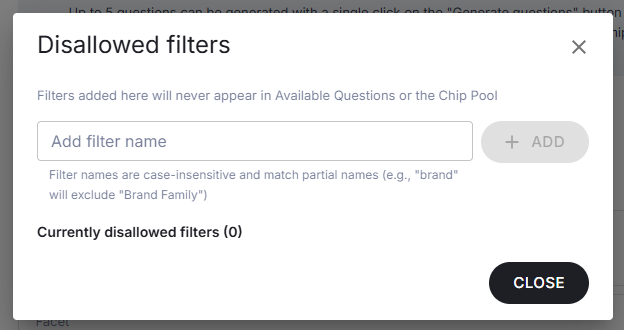
How to configure disallowed filters
Some filters are not suitable for conversational questions (e.g., technical or internal attributes). You can exclude them from question generation.
- Click the Configure disallowed filters button
- Type the filter name in the input field
- Click Add
To remove a disallowed filter, click the remove icon next to it.