Hypernyms
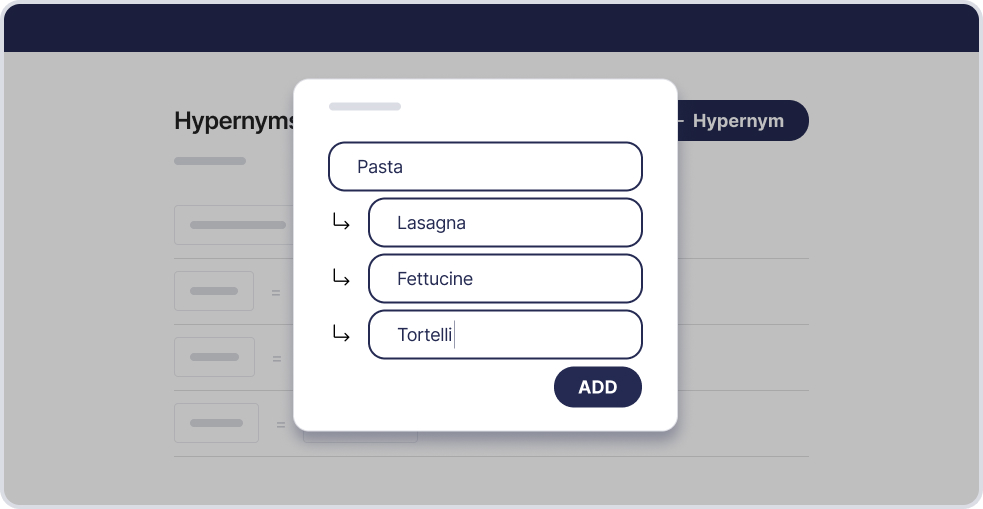
Think of Hypernyms as the “team leader” of words that include lots of smaller team members. Like "pasta" being the team leader, and "lasagna," "fettuccine," and "tortelli" being its team members
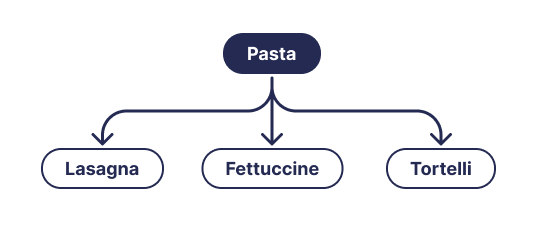
Creating a hypernym is like telling the search tool about these team leaders. When you search for the team leader, it also finds the team members. So, if you're searching for "Pasta," you'll find "Lasagna," "Fettuccine," and "Tortelli" too. It is to make sure you don't miss out on any product that falls under the broader category. Learn more
Example ”Pasta -> Lasagna, Fettucine and Tortelli”
Let's say a user is looking for “Pasta”, but the search tool doesn't know about the team leader "Pasta." Without registering it, users might miss out on products described only as "Tortelli."
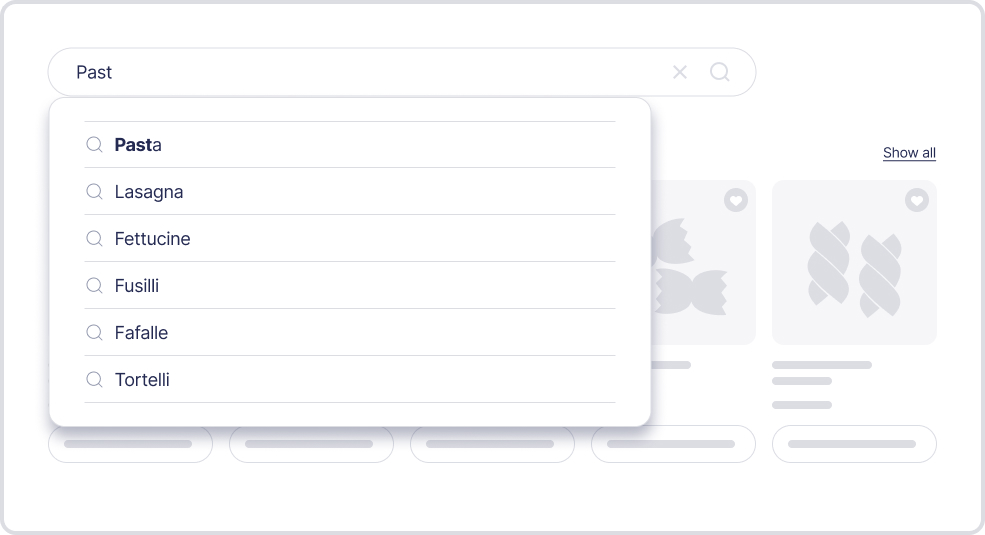
After adding "pasta" as a hypernym, searching for "Pasta" now brings up all three kinds. It's not just about finding products; it's about making sure you find everything related to what you're looking for. So, with hypernyms, the search tool becomes like a super detective, making sure you see all the products that fit into the team leader category. Searching for "Tortelli" will however not bring up other team members, which makes them unlike synonyms.
Hyponyms that belong to more than one hypernym
A hyponym can belong to more than one hypernym at the same time. For example, "Tortelli" can be a team member of both "Pasta" and "Food". You do not need to choose a single "primary" hypernym, and you do not need any workaround to connect the two — simply add "Tortelli" to each hypernym it belongs to.
When a hyponym is shared like this, it appears under every hypernym it belongs to in the list. Hypernyms can also be nested: a hyponym can itself be a hypernym for other words (for example, "Food" → "Pasta" → "Tortelli"). The list shows the full, expanded structure, so a shared hyponym — and anything nested beneath it — is displayed once under each parent. Seeing the same term in more than one place is expected and shows that the connection is set up correctly.
How to create a Hypernym
- Click the ‘+ Hypernym button
- In the input fields type the hypernyms you want to add
- Click the ‘add’ button to save the hypernyms